


The technology:
Moving architectural visualization produced in 3ds Max with V-Ray — or using AI to generate motion from rendered stills. Camera flythroughs, construction sequences, and spatial narratives edited in DaVinci Resolve Studio.
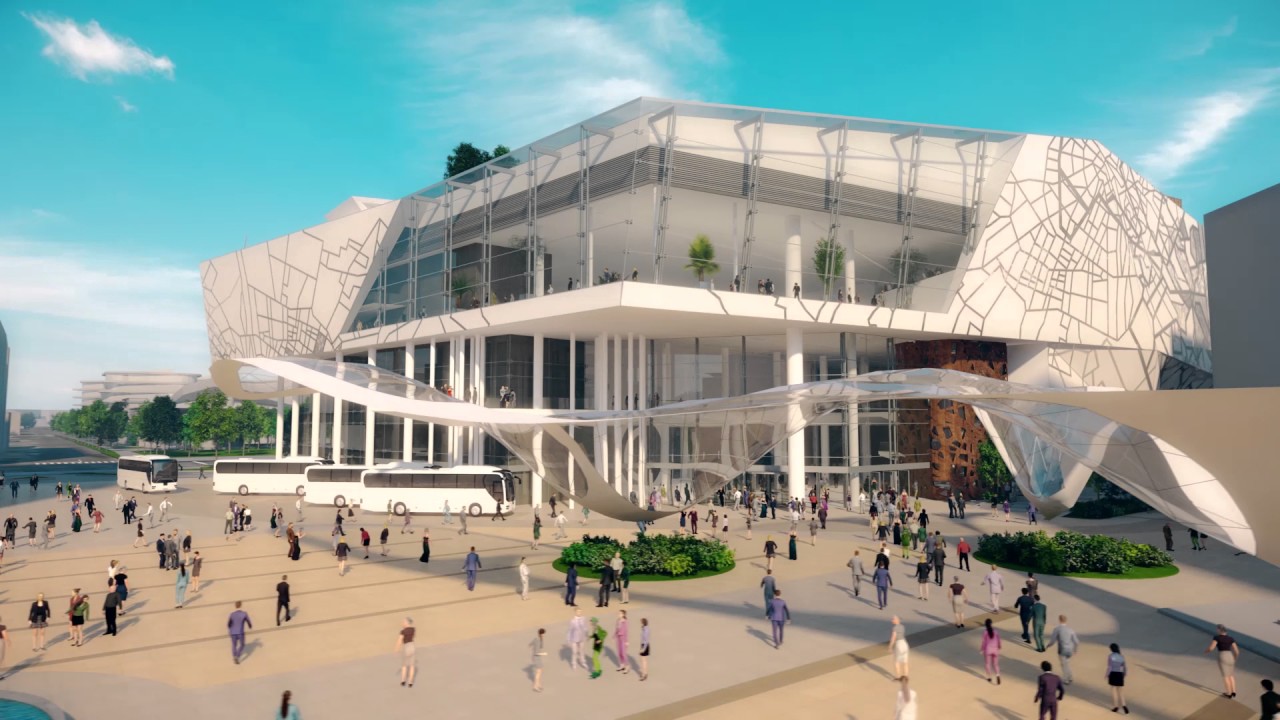
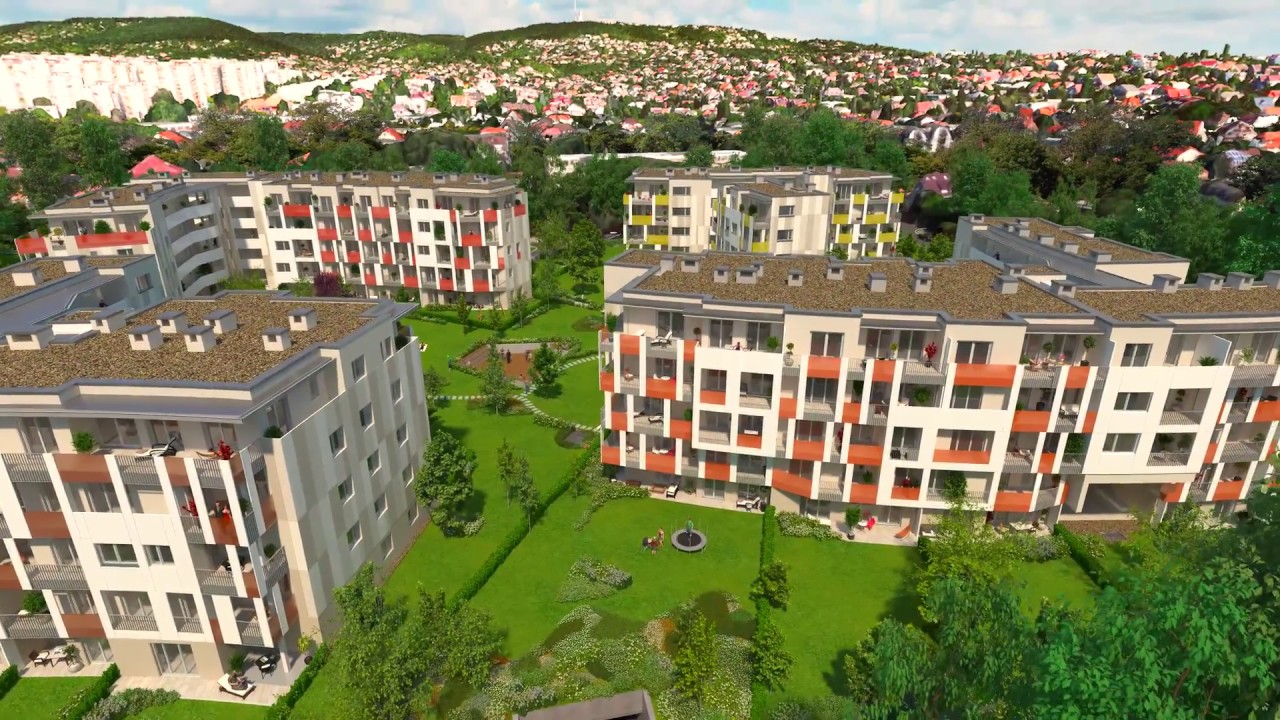
3D animation shows architectural designs in motion — camera moving through spaces, daylight shifting across facades, construction phasing unfolding over time. We work in 3ds Max with V-Ray for traditional frame-by-frame rendering, and increasingly use AI-generated motion from rendered stills for atmospheric sequences where speed and cost matter more than geometric precision.
Final editing, color grading, audio, and delivery are done in DaVinci Resolve Studio.
Film:
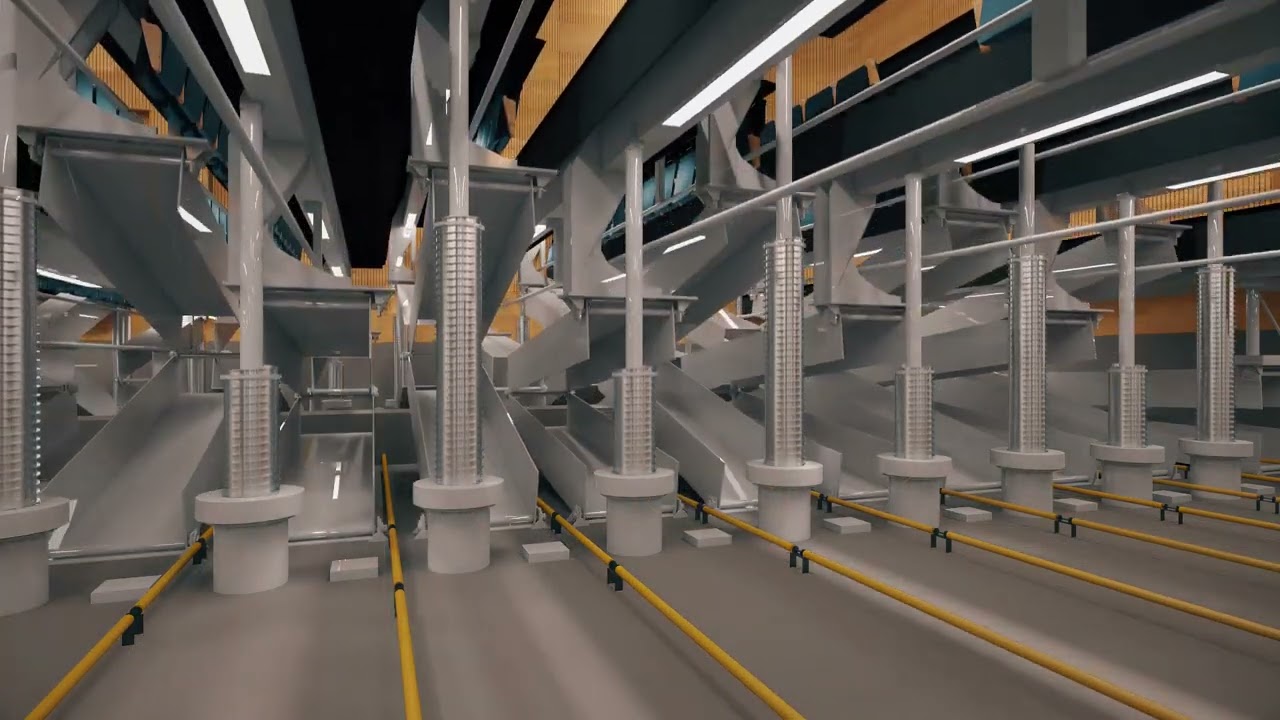
Two production pipelines
The choice between traditional V-Ray animation and AI-enhanced animation depends on what the sequence needs to do:
Choosing the right animation pipeline
| Traditional V-Ray | AI-Enhanced | |
|---|---|---|
| Rendering | Every frame rendered at full V-Ray quality — precise geometry and lighting per frame | Key frames rendered in V-Ray; AI generates smooth motion between them |
| Motion accuracy | Geometrically exact — every element behaves as specified | AI interpolation — highly convincing for atmospheric content, less suited to precise technical sequences |
| Production time | Slow for complex or long sequences | Significantly faster for comparable output length |
| Cost | Higher, especially for long sequences or dense scenes | Lower for marketing-grade atmospheric content |
| Best for | Construction sequences, technical explanations, precise spatial narratives | Flythroughs, marketing content, atmospheric real estate sequences |
Traditional pipeline: 3ds Max + V-Ray
Every frame is a full V-Ray render. The model is built to the required level of detail for the closest camera distance in the sequence. Materials are physically based. Lighting is set up per scene — often multiple lighting setups for sequences that move from interior to exterior or cover different times of day.
Camera paths are planned in the animatic stage — a low-quality preview render of the full sequence at reduced resolution, used to check timing and pacing before the production render. Revisions to camera path or timing are made in the animatic, not after full rendering.
Film:
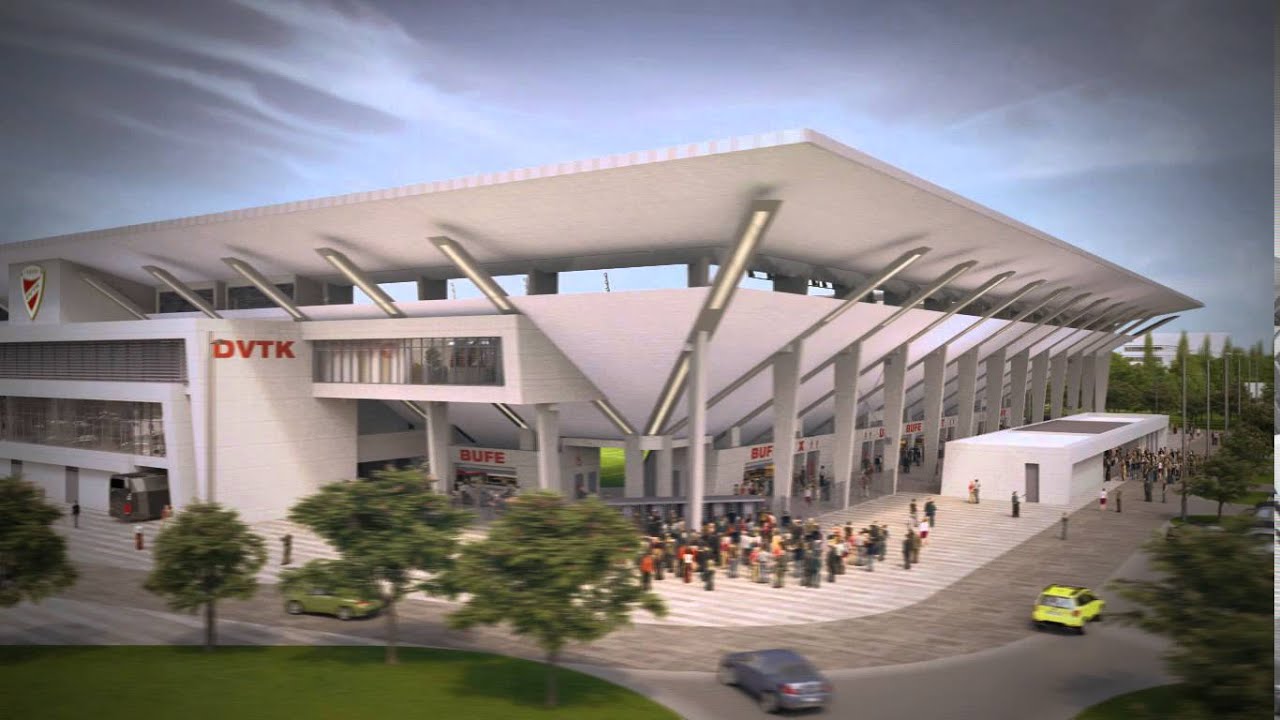
Construction sequence animations use a different setup: elements appear progressively as the build proceeds, with time-lapse-style camera movement showing the site changing. These require careful scene management since visibility states change per frame.
Film:
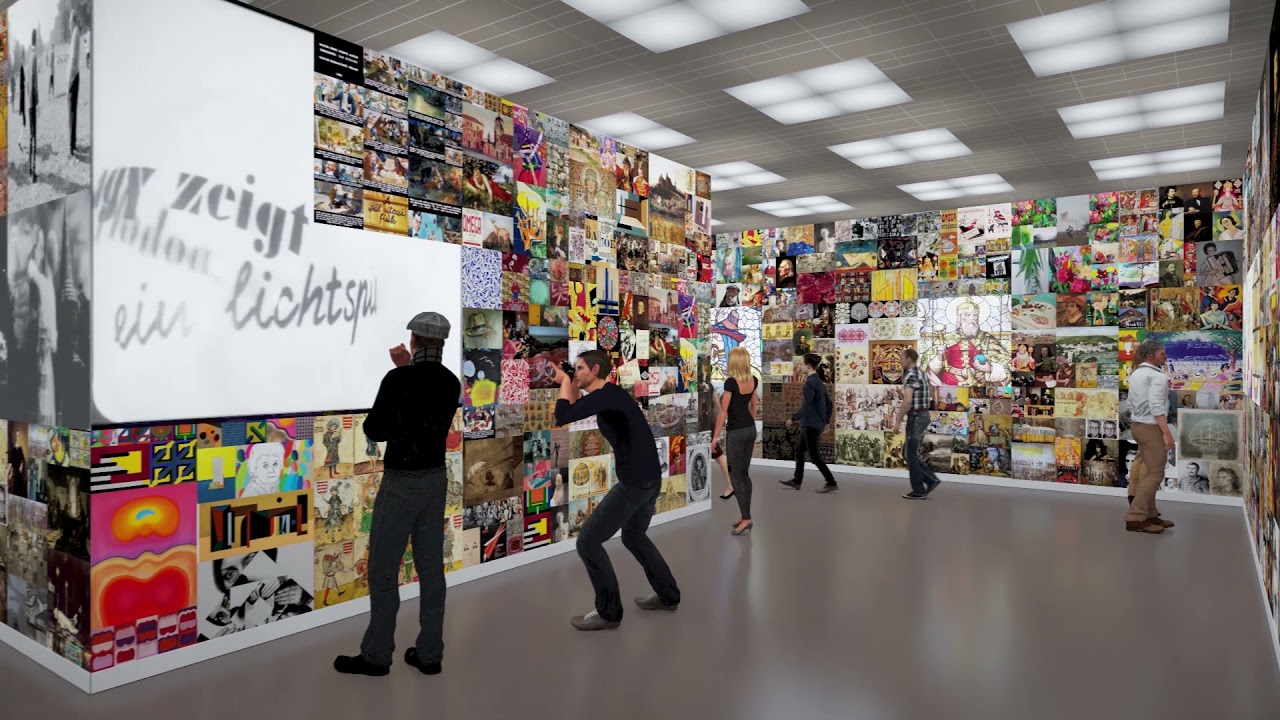
Film:
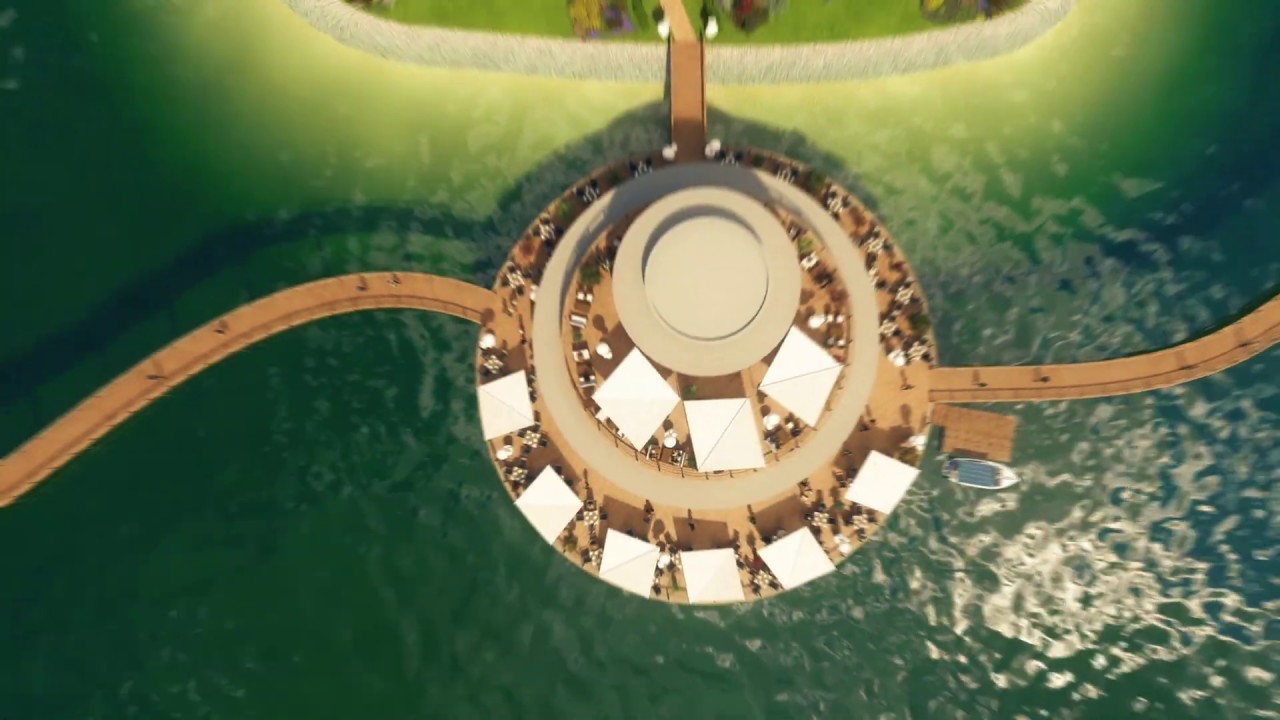
AI-enhanced pipeline: V-Ray stills + AI motion
A set of V-Ray still renders — key positions along the camera path — are used as the input for AI video generation. The AI produces smooth motion between the stills, including camera drift, subtle atmospheric animation, and lighting variation that gives the sequence life without rendering every frame conventionally.
This approach works best for content where the camera moves through space atmospherically rather than executing precise geometric motion. A flythrough of an apartment interior, a slow orbit around a building, a rising crane shot over a site — these translate well to AI-generated motion.
The stills are rendered at 4K. The AI-generated sequence is processed at full HD for the final output.
Film:
Post-production in DaVinci Resolve Studio
All animation goes through DaVinci Resolve Studio for:
- Color grading — matching lighting mood across cuts, visual consistency throughout the sequence
- Editing — pacing, cut points, establishing shots vs detail shots
- Audio — music, ambient sound, voiceover integration
- Titles and graphics — location labels, project information, animated text
- Output — 4K master, full HD distribution versions, social media cuts at different aspect ratios
Film:
What we need from you
| 3D model | Complete to the level of detail required for the closest camera distance in the sequence. Unfinished areas will appear on screen. |
| Sequence brief | What the animation should show and in what order. A narrative or shot list. The more specific, the less revision the animatic requires. |
| Duration | Target length. Longer is not better — viewer attention drops fast. Most architectural animations run 1–3 minutes. |
| Pipeline choice | Traditional V-Ray or AI-enhanced? We advise based on the content and budget. |
| Audio | Music style and mood, voiceover requirement (if any). We source licensed music and offer both human and AI voiceover. |
| Output formats | Where the animation will be used — website, presentation, social media, trade show screen. Each has different resolution and codec requirements. |
Related techniques
For the pure image-input AI animation approach — no 3D model required at all: AI Animation
For combining 3D animation with real footage, narration, and full post-production: Video Production


